


Scale your scraping strategy with high-quality residential IPs ensuring stable connections, low latency, and cost-effective results.
Ask AI about Magnetic Proxy





Case Studies
Trust & Safety
Report Abuse© 2026 Magnetic Proxy. All rights reserved.



A rotating proxy routes requests through a proxy pool and changes the exit IP according to a session rule. Magnetic Proxy uses one residential gateway: omit a session identifier for rotating requests, or add a documented sessid when a sequence needs a consistent route. The correct choice depends on whether each request can stand alone.
Rotation is useful infrastructure, not an authorization layer. It does not grant access rights, guarantee a response, or replace target-specific rate limits, privacy controls, and data-quality checks.
Your application connects to a proxy gateway rather than maintaining individual IP addresses. The gateway authenticates the request, applies location and session parameters, selects an eligible residential route, and forwards the request to the destination.
This backconnect model reduces local proxy-list maintenance. It does not remove the need to control concurrency, retries, timeouts, and result validation.
Use this table as a starting point, then validate the chosen mode against a small permitted workload. On smaller screens, swipe horizontally to view all columns.
| Workflow | Recommended mode | Why it fits | Failure to watch |
|---|---|---|---|
| Independent public-page checks | Rotate between requests | Each response can be evaluated without carrying state from the prior request. | Treating a failed fetch as a negative finding. |
| Pagination or multi-step review | Sticky session | Cookies and route continuity can remain associated with one controlled sequence. | Assuming the exit IP can never change if a residential device becomes unavailable. |
| Regional QA by market | One session per market | The requested location and route stay consistent while the market-specific checks run. | Recording the requested location but not validating the observed response. |
| Scheduled stateless monitoring | Rotate by task | Completed checks do not need to share cookies or connection state. | Retrying without a cap or increasing request load when the target is already returning errors. |
With Magnetic Proxy, a documented sessid value enables a sticky session and sesstime controls its duration in seconds. Without sessid, requests use rotating behavior. Session identifiers must follow the current Magnetic Proxy documentation; do not invent parameter formats in application code.
Rotation describes when the exit IP changes. Residential and datacenter describe where the exit route comes from. A rotating residential proxy uses routes assigned through consumer internet providers. A rotating datacenter proxy uses server-hosted ranges.
The right network depends on the permitted target, location requirements, latency tolerance, session behavior, and budget. Magnetic Proxy's current product is residential proxy routing. Do not present generic datacenter behavior as a Magnetic Proxy feature.
No. Rotation is a selection rule, not a promise that every request receives an IP you have never seen. An eligible pool can contain a previously used route. Narrow location constraints, availability and the session configuration affect which routes can be selected. Seeing a repeated exit IP is a reason to inspect the configuration, not proof that the gateway has stopped rotating.
Do not confuse a shared pool with exclusive ownership of an exit address. A rotating route is not a dedicated address reserved for your application. If your task requires exclusivity or an allowlisted fixed address, confirm that requirement separately before choosing the service.
This test evaluates observed routing, not target access or location accuracy. A successful response from an IP-check endpoint does not establish that the real destination will return usable data.
Residential availability can change before the application finishes its work. Define a restart boundary before using a sticky route for pagination or another sequence. If continuity breaks, mark the task incomplete and decide whether the whole sequence can be safely repeated. Do not silently combine records collected under incompatible session or regional conditions.
Keep a stable task identifier separate from the proxy session identifier. Save the last validated checkpoint, the route observation and the reason for restarting. Deduplicate the resulting records by their business key so a recovery does not inflate the result count. For requests that change state, verify whether repeating the action is safe before applying a retry.
Rotation and workload size need separate controls. Keep a per-target request-rate policy and an in-flight request limit even when the proxy rotates. The useful outcome is a complete, valid task within the permitted workload, not the largest number of IP changes.
If cookies, pagination, or a controlled multi-step process must remain associated with one route, changing the IP between steps can invalidate the result. Keep that sequence sticky, then rotate after the task is complete.
A sticky session is a continuity tool, not a default. End the session when the stateful unit of work is complete rather than carrying one route across unrelated tasks.
A retry is appropriate for selected transient failures, not for every response. A policy or content response will not necessarily improve because the next request uses another route. Classify failures first.
A proxy changes the network path. It does not authorize restricted access, bypass contractual limits, or remove privacy and legal obligations.
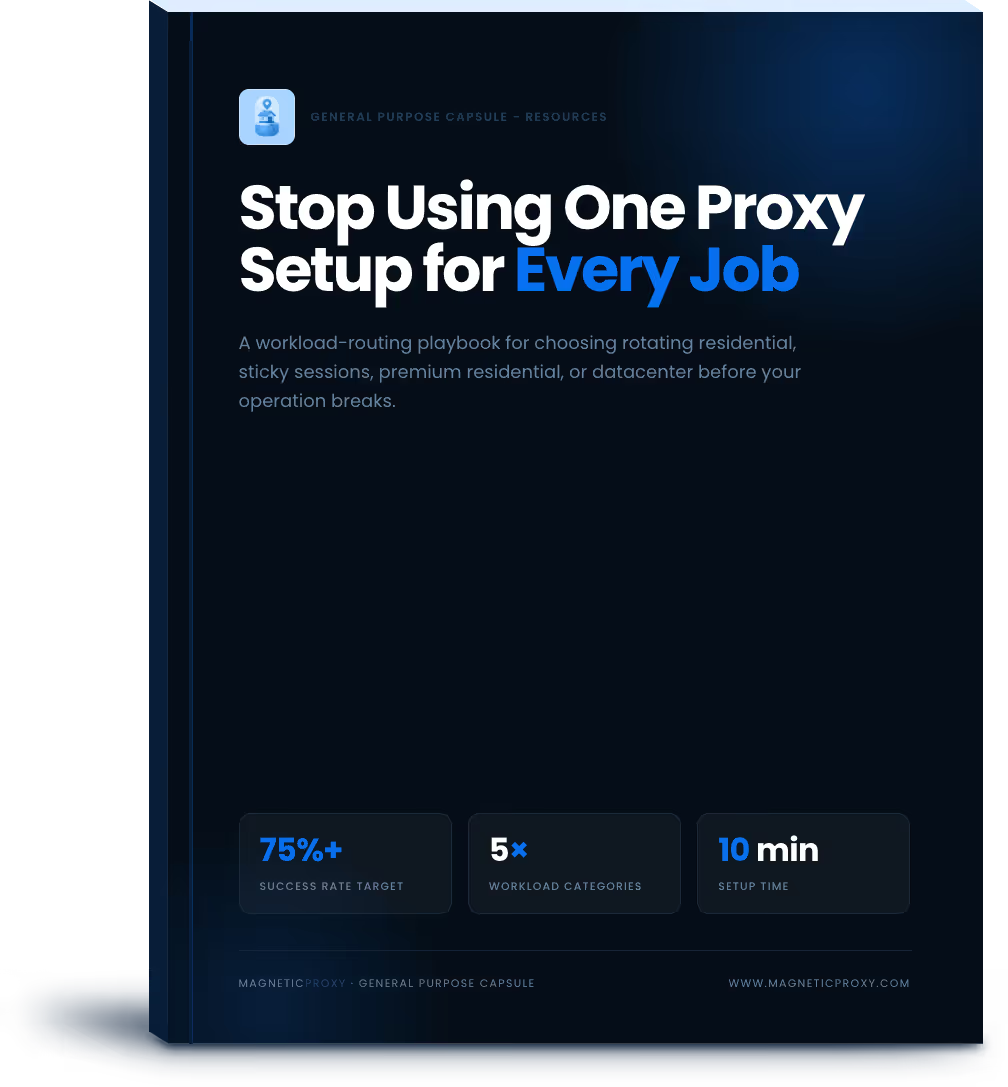
For a practical starting point, review the General Purpose Capsule and the current connection parameters. Configure the smallest permitted test that represents the real workload before increasing volume.
Check the most Frequently Asked Questions
What is a rotating proxy?
Are rotating proxies legal?
Practical guides to proxies, web scraping, and reliable data collection.
Scale your scraping strategy with high-quality residential IPs ensuring stable connections, low latency, and cost-effective results.
Ask AI about Magnetic Proxy