





.svg.png)
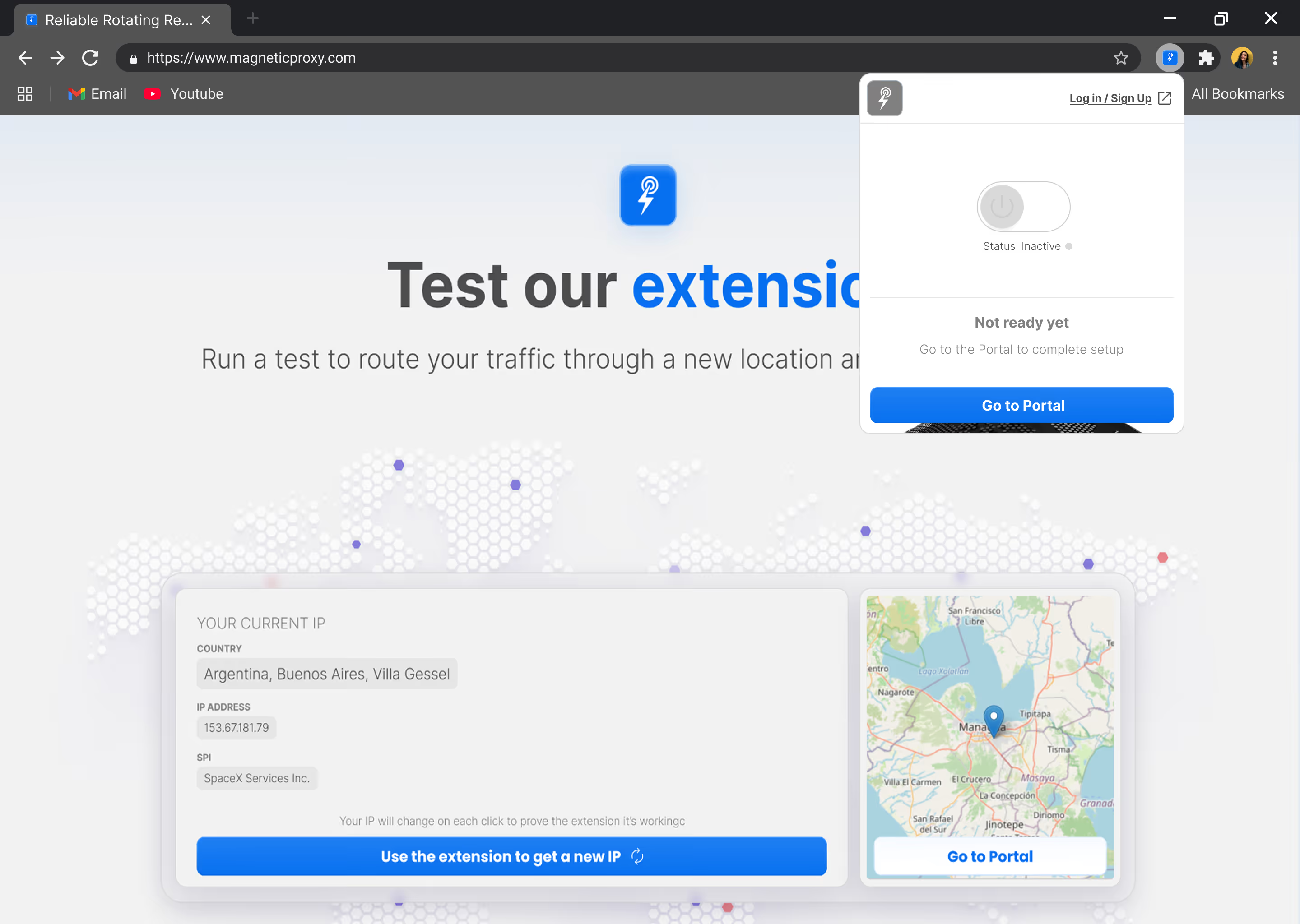
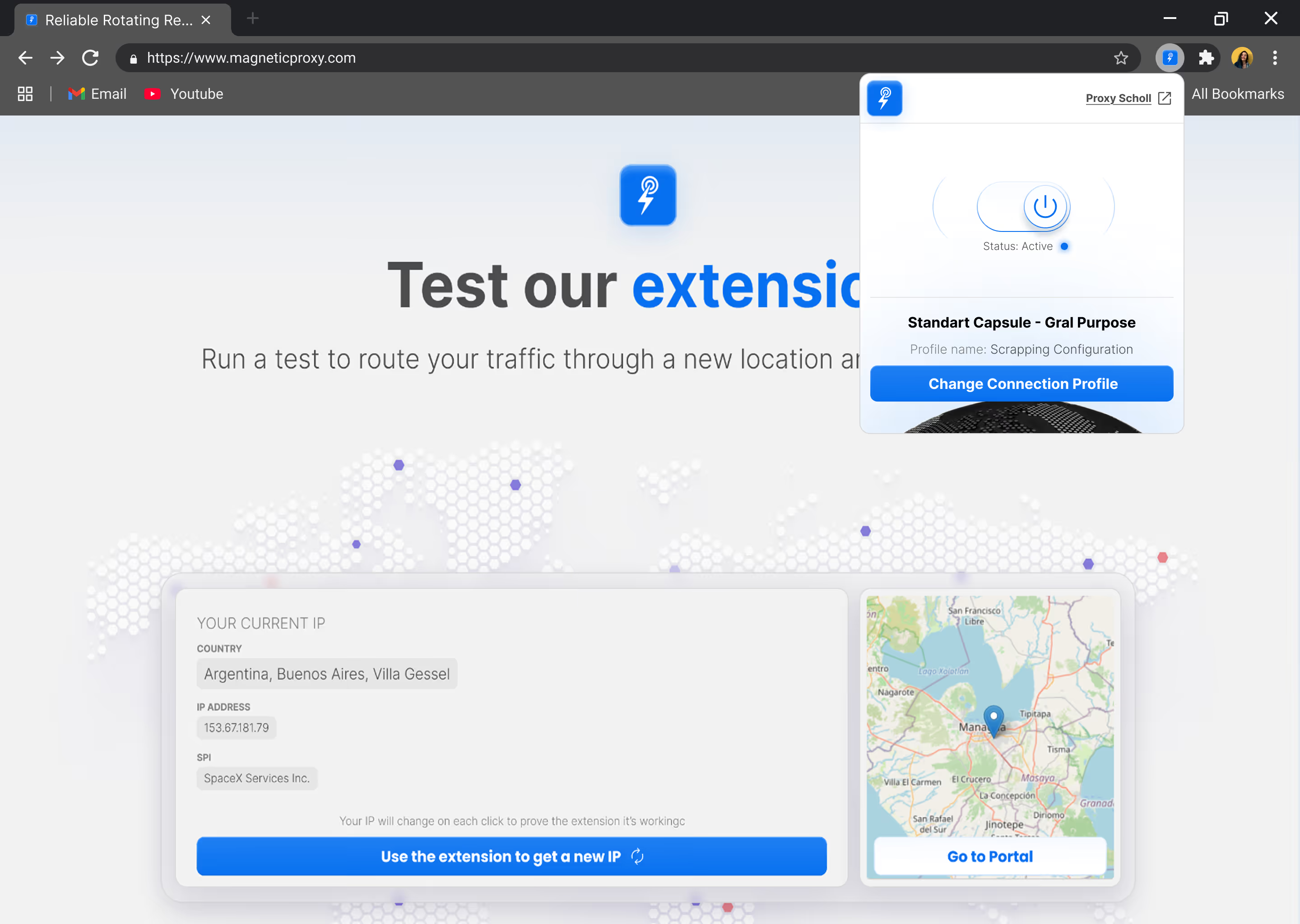
Scale your scraping strategy with high-quality residential IPs ensuring stable connections, low latency, and cost-effective results.
Ask AI about Magnetic Proxy





Case Studies
Trust & Safety
Report Abuse© 2026 Magnetic Proxy. All rights reserved.



Residential IPs from real home devices — the same kind platforms see from genuine users. Stable sessions, low detection risk, and consistent identity across every account you manage. Built for agencies and operators running social media at scale.
Social platforms flag accounts when they detect patterns that don't match organic human behavior — device fingerprints, IP reputation, session consistency. This Capsule routes your traffic through residential IPs that carry the behavioral history of real users, with sticky sessions that hold across your entire workflow.
Social platforms have sophisticated detection systems that evaluate every session against behavioral baselines for real users. Datacenter IPs fail this check before your first action completes. Their ASN ranges are pre-flagged, their absence of browsing history is detectable, and their traffic patterns do not match organic use.
Residential IPs are different. They come from real home internet connections, carry the behavioral history of genuine users, and produce session fingerprints that match what platforms expect to see from a real person using a real device. That's what makes them the infrastructure layer for professional social media management.
The risk of using the wrong proxy type is not a slower session. It's a banned account. Account reinstatement takes days, sometimes weeks. The cost of lost access, lost content, and lost audience is orders of magnitude higher than the cost of doing the infrastructure right from the start.
Social media management doesn't need high volume — it needs consistency. A session that drops mid-workflow, an IP that changes between posting and engaging, or a fingerprint that doesn't match a real device are the signals that trigger flags and bans.
This Capsule is optimized for session persistence over throughput. Sticky sessions hold the same residential IP across your entire management workflow: login, posting, engagement, and monitoring. The underlying connection identity never changes between actions.
sessid — one identity per accountSticky sessions hold the same residential IP through your entire management workflow: login, posting, scheduling, engagement, and monitoring. No switching of connection identity between actions. The platform sees a consistent user. Your accounts stay active.
Every IP in this Capsule comes from a real home internet connection on a real device. The behavioral history, the ISP assignment, and the connection fingerprint all match what platforms expect from a genuine user not an automated tool running from a server farm.
Managing accounts that represent businesses or creators in specific markets? Route your sessions through residential IPs in the exact city your accounts are based in. Geo-targeting is encoded directly in your connection string no extra configuration required.
No complex setup. No custom rotation logic. No infrastructure to maintain.
Choose the capsule and bandwidth tier that match your workflow. Start small, validate your setup, and add more bandwidth from your dashboard as your needs grow.
Plug the proxy endpoint into GoLogin, Multilogin, Dolphin Anty, Incogniton, or any browser that supports HTTP, HTTPS, or SOCKS5.
Assign sticky sessions to account profiles that need continuity. Track usage and session health from your Magnetic Proxy dashboard.

Get the plan that fits you
Download a practical PDF with setup guidance for stable sessions, account profiles, anti-detect browsers, and residential proxy routing.
Exclusive surprise offer inside
Tailored residential proxy solutions designed for specific use cases, performance requirements, and workloads.

Check the most Frequently Asked Questions
Which social media platforms does this Capsule support?
Why is LinkedIn not available on this Capsule?
Why do I need residential proxies specifically for social media management?
How do sticky sessions work for account management?
How much bandwidth does social media management actually use?
Can I target a specific country or city for each account?
Can I upgrade to the Management & Scraping Capsule later?
Can I test Magnetic Proxy before scaling?
Scale your scraping strategy with high-quality residential IPs ensuring stable connections, low latency, and cost-effective results.
Ask AI about Magnetic Proxy